How Dave works
Updated October 12, 2026
You describe what your business needs, and Dave works it through with you in a conversation. A project then goes through five steps: talk, plan and quote, build, check, and fixes and handover. Your plan, your quote and the first version are free; you pay a deposit once you have tried the first version, and the balance before your app goes live.
1. Talk
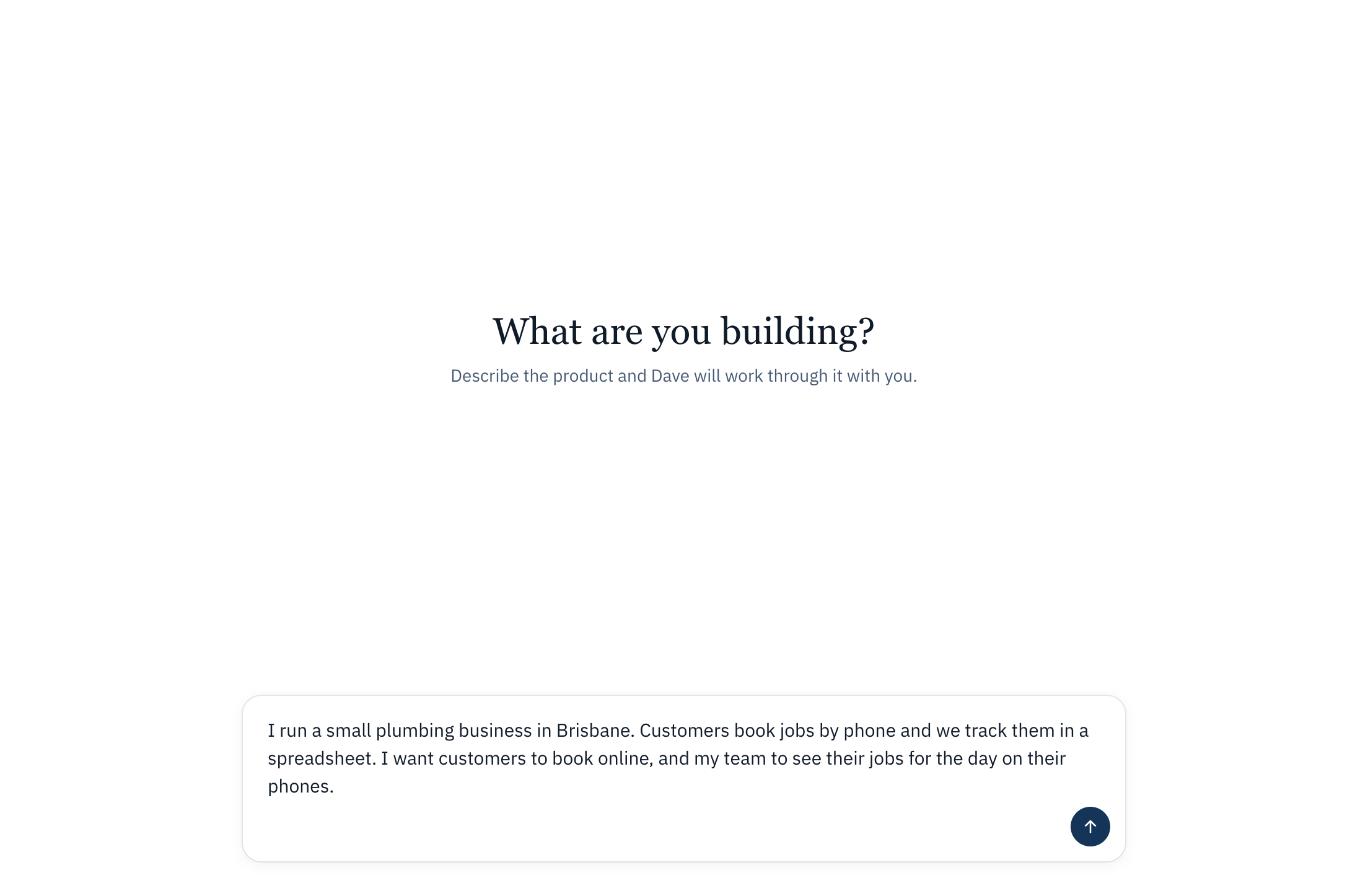
Start a project by answering "What are you building?" in your own words. There is nothing to prepare and no form to fill in. Dave asks a few questions at a time, each with suggested answers. Pick one or type your own. When he has what he needs, he writes up your requirement. See Your first conversation.
2. Plan and quote
Choose Send me the plan. Our team checks the plan and sets a fixed price, then emails you the plan and the quote. The email links back to your project.
Everything Dave writes along the way is under Documents. See Project documents explained.
3. Build
Choose See how it looks, and Dave builds a first version of your app, free. He tells you as each part is done, and the Preview opens beside the chat so you can use the app as it takes shape. See Preview.
4. Check
Try the first version. When you want to go on, pay the deposit set out in your quote, and Dave builds the rest of your plan. See How payment works.
5. Fixes and handover
Once the rest is built, our engineers work through your list of changes. When you're happy, you pay the balance and publish: Publish puts the app online at its own address, and you can connect your own domain after that. See Publish your app.
After launch
Tell Dave what to change, and attach screenshots to show what you mean. See Build progress and adding features.
The free limit
Changes Dave makes for you count towards a free limit. When you reach it, you can ask us for a quote to keep going. See After the free limit.