Why your business texts now say “Unverified”, and how to fix it
Updated October 28, 2026 · 2 min read
Since 1 July 2026, a text that shows a business name instead of a phone number has to use a sender ID registered on the ACMA’s SMS Sender ID Register. If it isn’t registered, phones show “Unverified” in place of your name and put the message in one thread with every other unverified sender, scams included. You register through your telco or SMS provider, and your ABN details must be current on the Australian Business Register.
Does this affect you?
| Your texts arrive from | Example | Register? |
|---|---|---|
| Your business name | “Med-Appt”, “AusPost” | Yes |
| Your business name, sent by a booking or reminder app | Your salon’s name | Yes, through the app’s message provider |
| A phone number | 04xx xxx xxx | No |
The ACMA names dentists, GPs, solicitors, schools, childcare centres and franchisees among the small organisations that use sender IDs, mostly for marketing, appointments and bills. By the end of March 2026, 2,761 organisations had registered 3,648 sender IDs, according to its January to March 2026 report.
What “Unverified” does to your messages
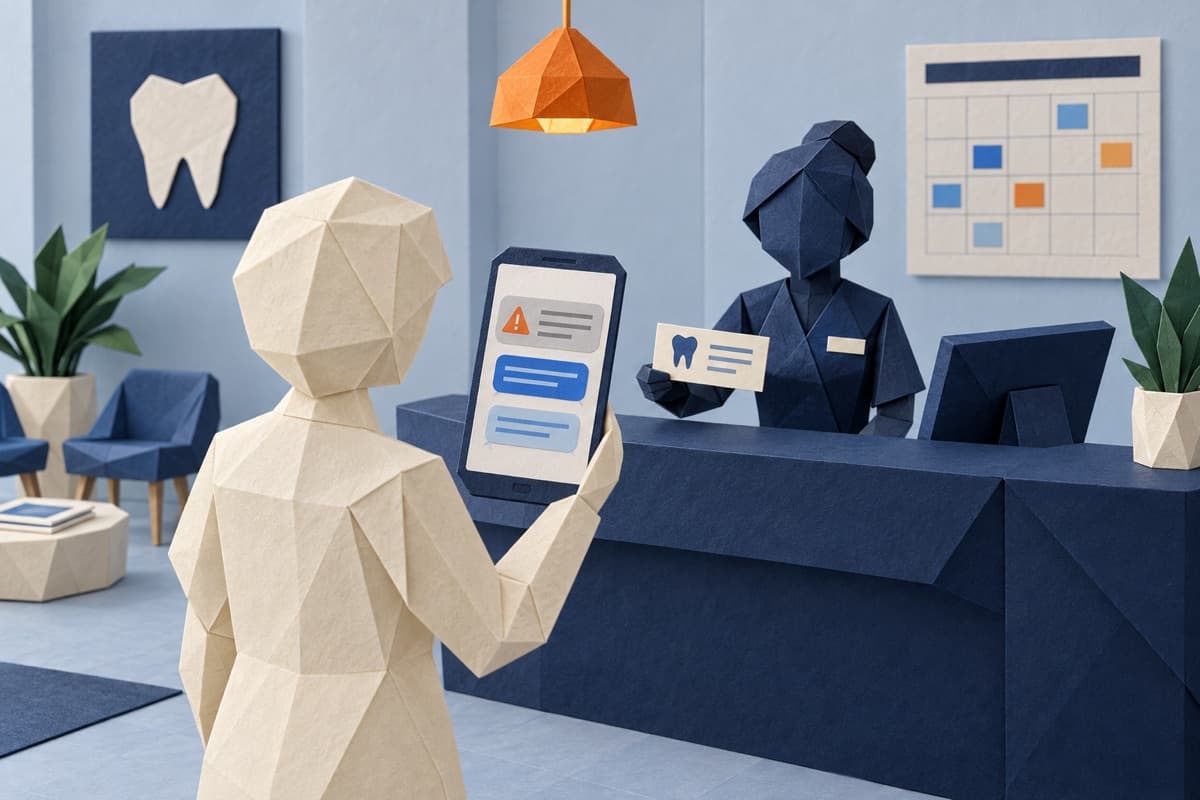
Your name is replaced by the word “Unverified”, and all texts from unregistered senders land in the same thread on the customer’s phone, next to scam messages. The ACMA’s deputy chair warned that messages labelled this way “may be ignored or deleted by customers”.
For an appointment reminder, that means the customer who most needed the reminder is the one who skips it.
How to register
- Check your ABN record. Your authorised contact or service-of-notice email on the Australian Business Register must be up to date, says the ACMA.
- Contact your telco or SMS provider. They are obliged to contact business customers and help them register. If your texts come from a booking app, ask the app’s support team who sends its messages.
- Pick a sender ID that meets the rules: 2 to 11 characters; letters, numbers and standard symbols; not only numbers; no space or underscore at the start or end; nothing offensive or misleading; and clearly linked to your organisation. Case doesn’t matter.
- Expect identity checks. You’ll have to prove you are a legitimate business, which is the point of the register.
Already showing “Unverified”?
Talk to your telco or message provider about the options for that sender ID. Until it’s registered, sending from a phone number avoids the label: if you send from a number, the ACMA says, you don’t need to do anything.
Reminder texts customers can trust
Use the same sender ID every time and tell customers which name your texts come from, so anything else stands out. Keep reminders strictly factual: under the spam rules, a message with any promotional content, or a link to it, counts as commercial and needs the customer’s consent, the ACMA’s report explains.
Example wording:
- Confirmation: “[Business]: You’re booked for [service] on [day, date] at [time]. To change it, call [number].”
- Reminder, a day before: “[Business]: See you tomorrow at [time] for [service]. Running late or can’t make it? Call [number].”
Sources
- ACMA: Sending text messages with your business or organisation name
- ACMA: Small businesses and community groups urged to act before SMS changes on 1 July (May 2026)
- ACMA: Action on scams, spam and telemarketing, January to March 2026 (August 2026)
Rules were checked in October 2026 and can change. General information, not legal advice.
Built well. Costs less. Backed by real engineers.
AI builds your software; engineers check the work and look after it once it's live.